



Run Xref reference checks without leaving HiBob Hiring. Progress candidates, request checks, and review results all in one place.
Xref integrates directly into HiBob, so your team can run reference checks without leaving the platform. Progress a candidate to your configured Xref stage, select the check criteria, and track the status in real time. Results are automatically saved to the candidate's profile as a PDF once the check is complete.
Initiate reference checks without ever leaving the candidate profile. Simply progress them to your configured Xref stage and select the criteria you need.
When a check is complete, click the preview icon to read the results in a quick popup window. For your records, a PDF version is automatically saved to the candidate's documents within their job application.
Hiring managers stay up to date without switching tools. Monitor the status of your requests and see exactly when a check updates from in progress to cleared.
Maintain a single source of truth by syncing all reference check data directly to the candidate profile in HiBob. The elimination of manual data entry reduces the risk of errors and ensures that your recruitment records are always accurate and up to date.
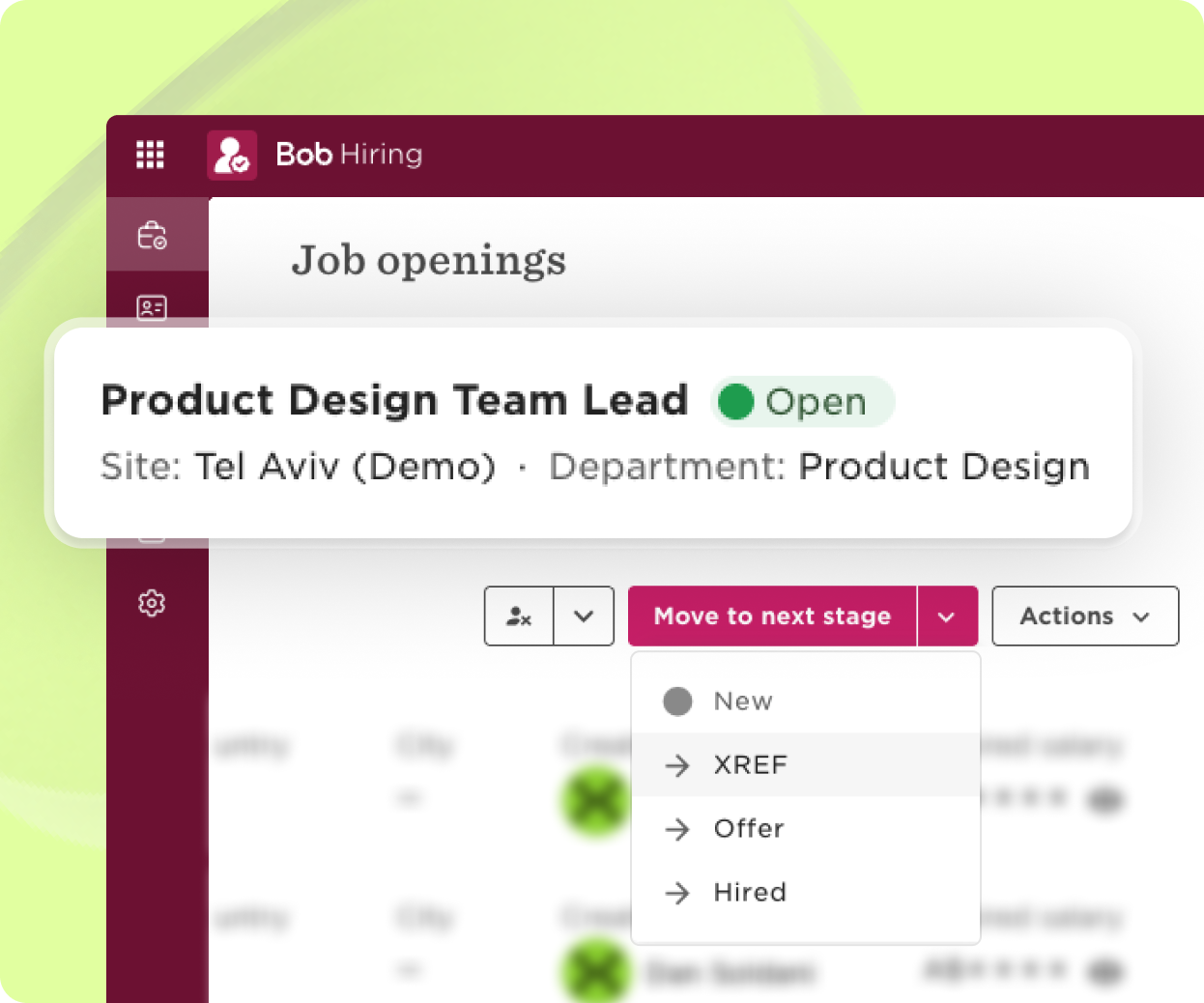
Navigate to HiBob Hiring to view your current job openings. Selecting a specific role opens your list of applicants. From here, simply progress your chosen candidate to a stage that is configured for reference checks, such as "Xref".
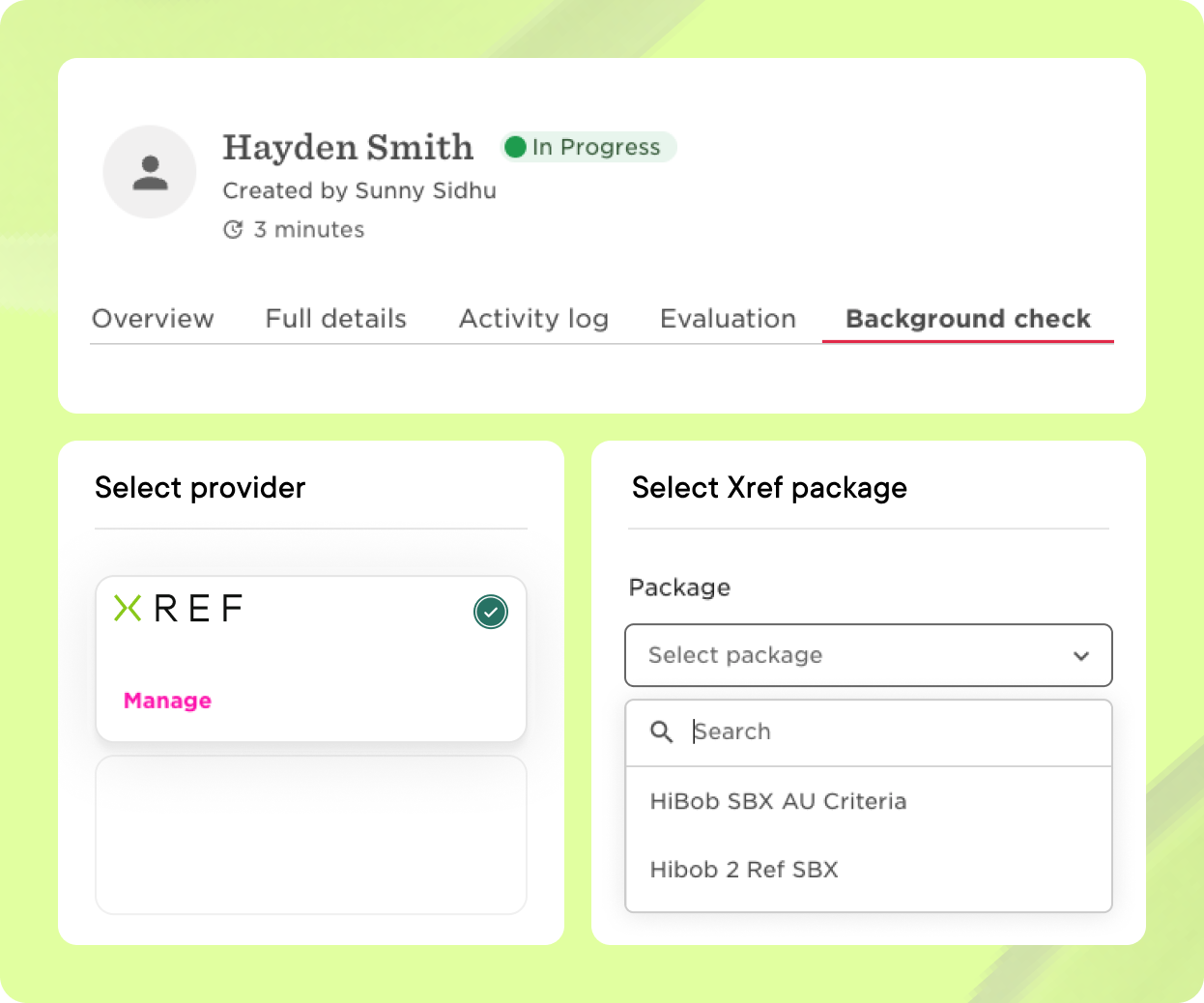
Select 'Background Check' and click to run a new check. Choose Xref as your provider and select the criteria required for the position. Once requested, the status will immediately appear as 'IN PROGRESS' on the candidate card.
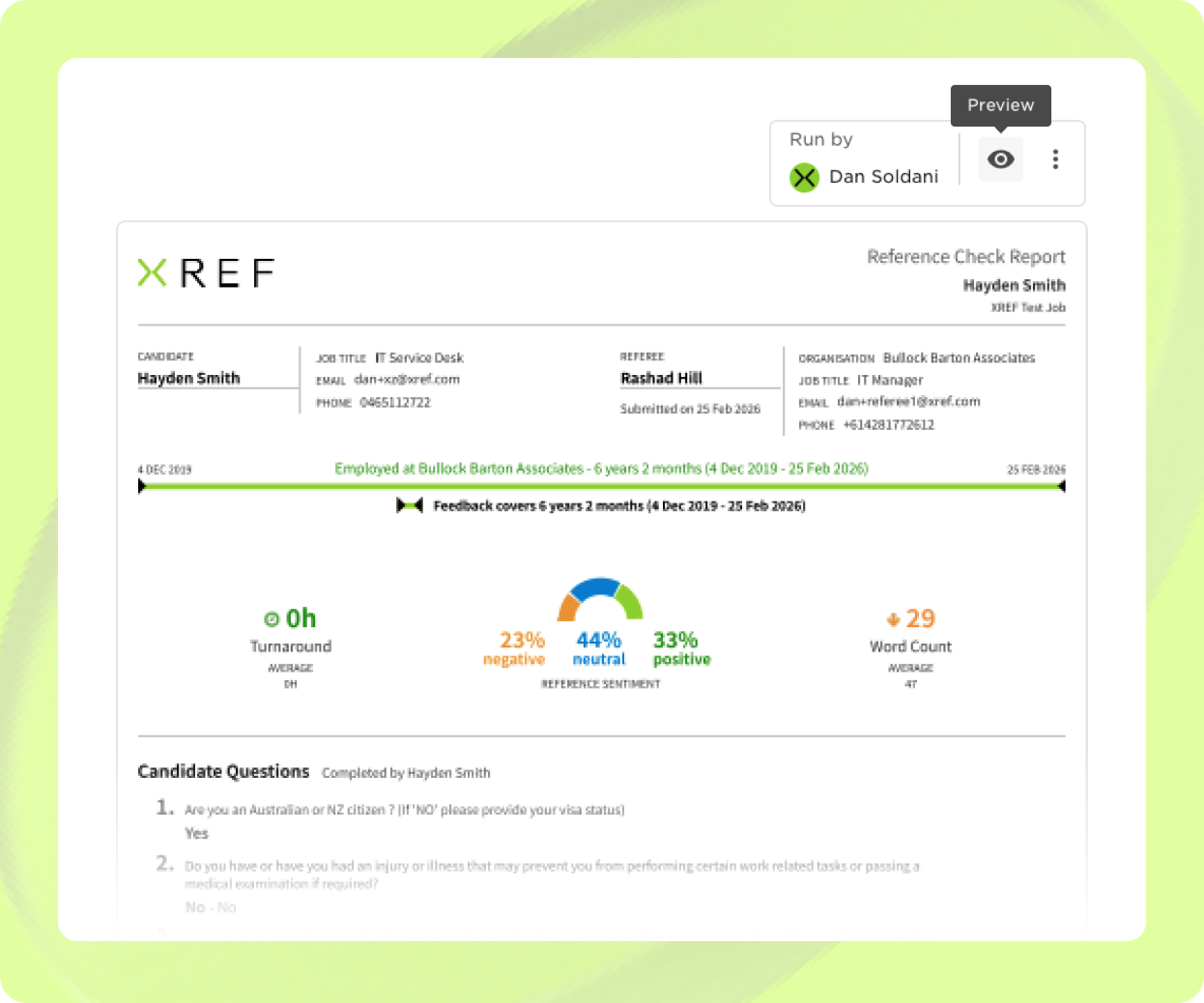
The candidate will receive an email to complete their submission. When the check is finalised, the result returns as 'CLEARED'. Clicking the 'Preview' icon opens the most recently returned report in a convenient popup. A PDF file is automatically saved within the candidate's documents for easy access to all returned reports.

Create compliant, non-bias surveys in seconds. Choose a Reference or Exit Survey template or build your own from a selection of HR-approved, compliant, non-bias questions.

Receive feedback faster with automated requests. Save time and reduce manual, repetitive tasks with automated survey requests, easily accessible all in one place.

Build strong talent relationships with centralised people records. Person-specific feedback is stored in one place to easily recruit, retain and remember talent.

Know your next move with people and organisational insights. From an aggregated overview of data to detailed feedback, find the insights you need to make confident business decisions.
Book a tailored consultation to discover how Xref can improve your organisations workflow today.


